
Mastering the Fetch API and Browser Storage
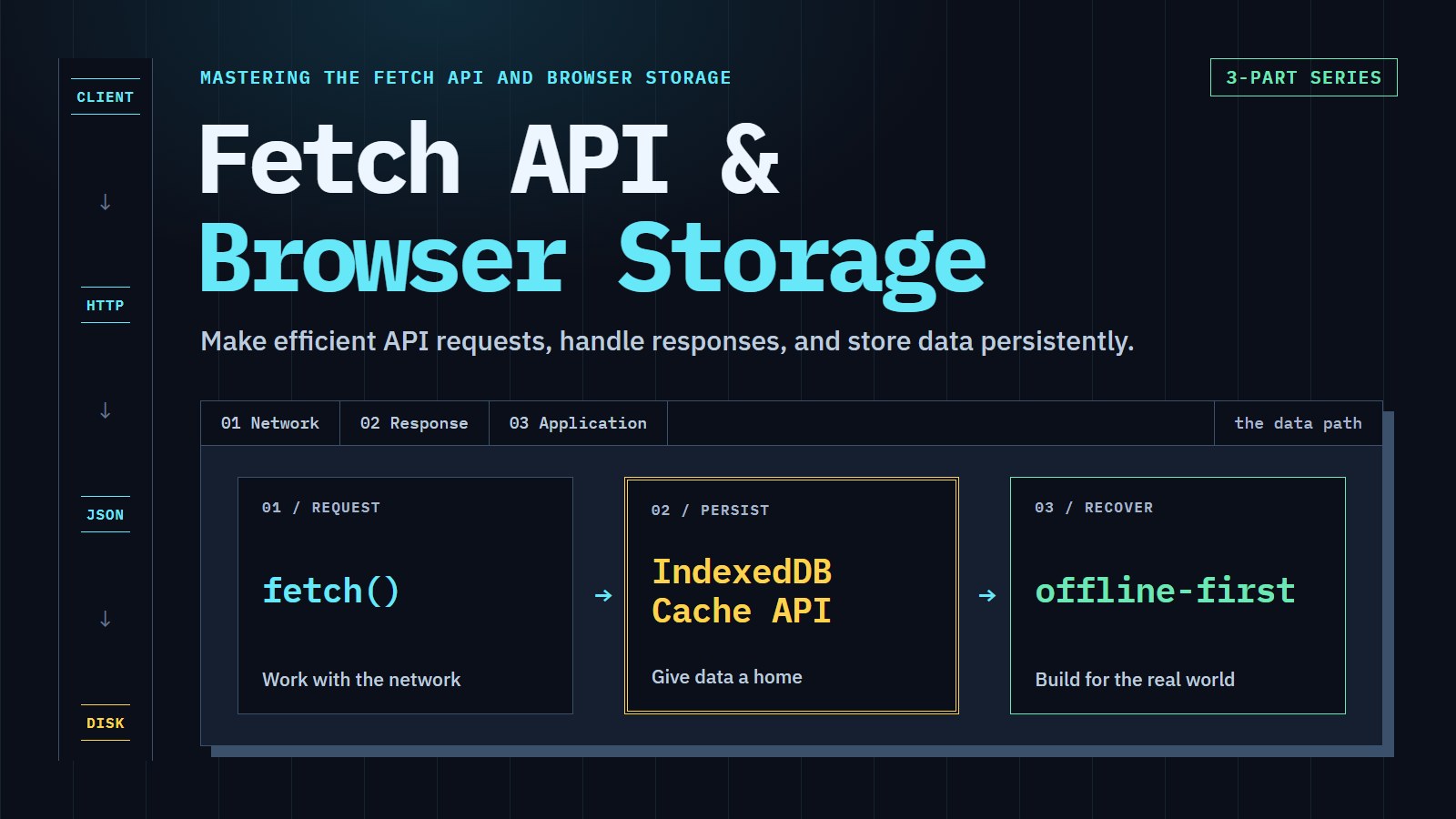
WEB / DEVTOOLS Pipeline & Vault
Build a small app that loads data from a server, saves it on the device, and keeps working when the connection drops. A request goes out, an answer comes back, and something has to decide what to keep.
Who this is for
You have written a little HTML and JavaScript. You know what a function and an object are, and you have used an event handler. You have never asked a server for data from the browser, or you have and it went wrong in ways that were hard to read.
- You should be able to open the browser's developer tools and find the Network and Application panels.
- You do not need a server, a framework or a build tool. A few examples later in the series want a static file served from
localhost, and those say how. - Each article stands on its own and restates where it starts. The order below is the order that builds up, not a rule.
I want to... then read
| I want to... | Read |
|---|---|
| Load data from an API and show it | Mastering the Fetch API |
| Stop the page hanging or breaking when the server fails | Mastering the Fetch API |
| Remember a setting or a draft between visits | Modern Data Persistence in the Browser |
| Store thousands of records and search them | Modern Data Persistence in the Browser |
| Make a page load without a connection | Modern Data Persistence in the Browser |
| Let people keep editing offline and sync later | Building Resilient Web Applications |
| Decide what wins when two devices disagree | Building Resilient Web Applications |
The series box on each article shows every installment in reading order, so newer articles appear there as they are published.
Break the pipeline on purpose
The live explorer below makes one real request. This one is a pretend server, so you can trigger the failures that catch people out: a 404 that does not reject, valid status with broken JSON, a dead network, a missing header, and storage that quietly turns your object into text. The Fetch article uses the 404, broken JSON and network down cases. The persistence article uses the storage panel.
The interactive inspector needs JavaScript. The lessons cover the same cases: checking response.ok, handling JSON parse errors, and using JSON.stringify before saving to Web Storage.
Fetch it. Inspect it.
Keep it.
A small JSON example, a real request, and your browser's localStorage. No third-party API, account, or personal data. Nothing is fetched, read, or saved until you choose an action.
- 01 / REQUESTfetch()Same-origin JSON
- 02 / DECODEJSON.parse()Inspect the payload
- 03 / PERSISTlocalStorageSave only on demand
/demos/pipeline-vault.jsonReady. Fetch the example, or load a copy you previously saved.
- HTTP
- Not requested
- Fetch + body
- Not measured
- Body size
- Not measured
No payload yet. Fetch the bundled example to inspect its JSON.
- Store
- localStorage
- Key
- mnix:pipeline-vault:demo:v1
- State
- Not inspected
- Scope
- This browser origin
Save serializes the current payload. Load reads it back without a network request, including after reload. Clear removes only this demo key, never other site data.
Storage may be blocked or unavailable in private browsing. Errors are shown here; there is no silent in-memory substitute. Store data, not secrets.
Request timings are measured in this browser and include reading the body, not JSON decoding. This same-origin request may be served by the browser's HTTP cache; it is not an internet-speed benchmark.
What may come next
Ideas for later articles: logging in with cookies and tokens, the HTTP cache and why the browser sometimes never asks the server, and testing code that talks to a network. Nothing here is promised. New articles appear in the series box and in the RSS feed.
- Mastering the Fetch APICatch the 404 that fetch() reports as success, add a timeout, and wrap both in a getJson helper.
- Modern Data Persistence in the BrowserPick between localStorage, IndexedDB and the Cache API by saving a setting, a list of records and a page for offline use.
- Building Resilient Web ApplicationsBuild an offline-first task list that saves on the device, syncs when the connection returns, and settles edit conflicts with a clear rule.