
Dig Through History.
Blame, the Pickaxe, and the Reformat That Hid the Author
You are reading checkout.js, and one line puzzles you.
return post(order, TIMEOUT_MS);
Why is there no retry here? You ask Git who wrote it, and git blame says Ravi, on April 20. His commit is called Reformat with 2-space indent. He did not write that line. He re-indented it.
Old code raises four questions: who wrote this line, when did this word appear, when did it vanish, and how did this function change. Git can answer all four, and it gets the right answer for that line:
9dcdb28d (Ada 2026-04-06 10:00:00 -0400 8) return post(order, TIMEOUT_MS);
A history to dig through#
Our scratch project is one file with seven commits from two made-up authors, Ada and Ravi. The output in this article comes from Git 2.45.2 on Windows 11, run in Git Bash.
$ git log --oneline
d28ffe2 Round tax
5c04fdc Reformat with 2-space indent
9dcdb28 Stop retrying orders
bf249d9 Give slow carriers more time
4a90109 Add tax
7142a9f Retry failed orders
5c64e3c Add checkout total
Here is the file at the end:
const TIMEOUT_MS = 60000;

function total(items) {
  return items.reduce((sum, item) => sum + item.price, 0);
}

function send(order) {
  return post(order, TIMEOUT_MS);
}

function addTax(amount) {
  return Math.round(amount * 1.2);
}
Build the history yourself (Git Bash, optional)
Your hashes may differ from the ones printed here, because the dates use your time zone, and so will the time zone offsets in the blame output. The authors, messages and dates are set on purpose.
git init -b main digging && cd digging
c() {
  git add .
  GIT_AUTHOR_NAME="$2" GIT_AUTHOR_EMAIL="${2,,}@example.com" \
  GIT_COMMITTER_NAME="$2" GIT_COMMITTER_EMAIL="${2,,}@example.com" \
  GIT_AUTHOR_DATE="$3" GIT_COMMITTER_DATE="$3" git commit -m "$1"
}
cat > checkout.js <<'EOF'
const TIMEOUT_MS = 30000;

function total(items) {
    return items.reduce((sum, item) => sum + item.price, 0);
}
EOF
c "Add checkout total" Ada 2026-02-02T10:00:00
cat > checkout.js <<'EOF'
const TIMEOUT_MS = 30000;
const RETRY_LIMIT = 3;

function total(items) {
    return items.reduce((sum, item) => sum + item.price, 0);
}

function send(order) {
    for (let i = 0; i < RETRY_LIMIT; i++) {
        if (post(order, TIMEOUT_MS)) return true;
    }
    return false;
}
EOF
c "Retry failed orders" Ravi 2026-02-16T10:00:00
cat >> checkout.js <<'EOF'

function addTax(amount) {
    return amount * 1.2;
}
EOF
c "Add tax" Ada 2026-03-02T10:00:00
sed -i 's/TIMEOUT_MS = 30000/TIMEOUT_MS = 60000/' checkout.js
c "Give slow carriers more time" Ravi 2026-03-16T10:00:00
cat > checkout.js <<'EOF'
const TIMEOUT_MS = 60000;

function total(items) {
    return items.reduce((sum, item) => sum + item.price, 0);
}

function send(order) {
    return post(order, TIMEOUT_MS);
}

function addTax(amount) {
    return amount * 1.2;
}
EOF
c "Stop retrying orders" Ada 2026-04-06T10:00:00
sed -i 's/^    /  /' checkout.js
c "Reformat with 2-space indent" Ravi 2026-04-20T10:00:00
sed -i 's/amount \* 1.2/Math.round(amount * 1.2)/' checkout.js
c "Round tax" Ada 2026-05-04T10:00:00
Who changed this line#
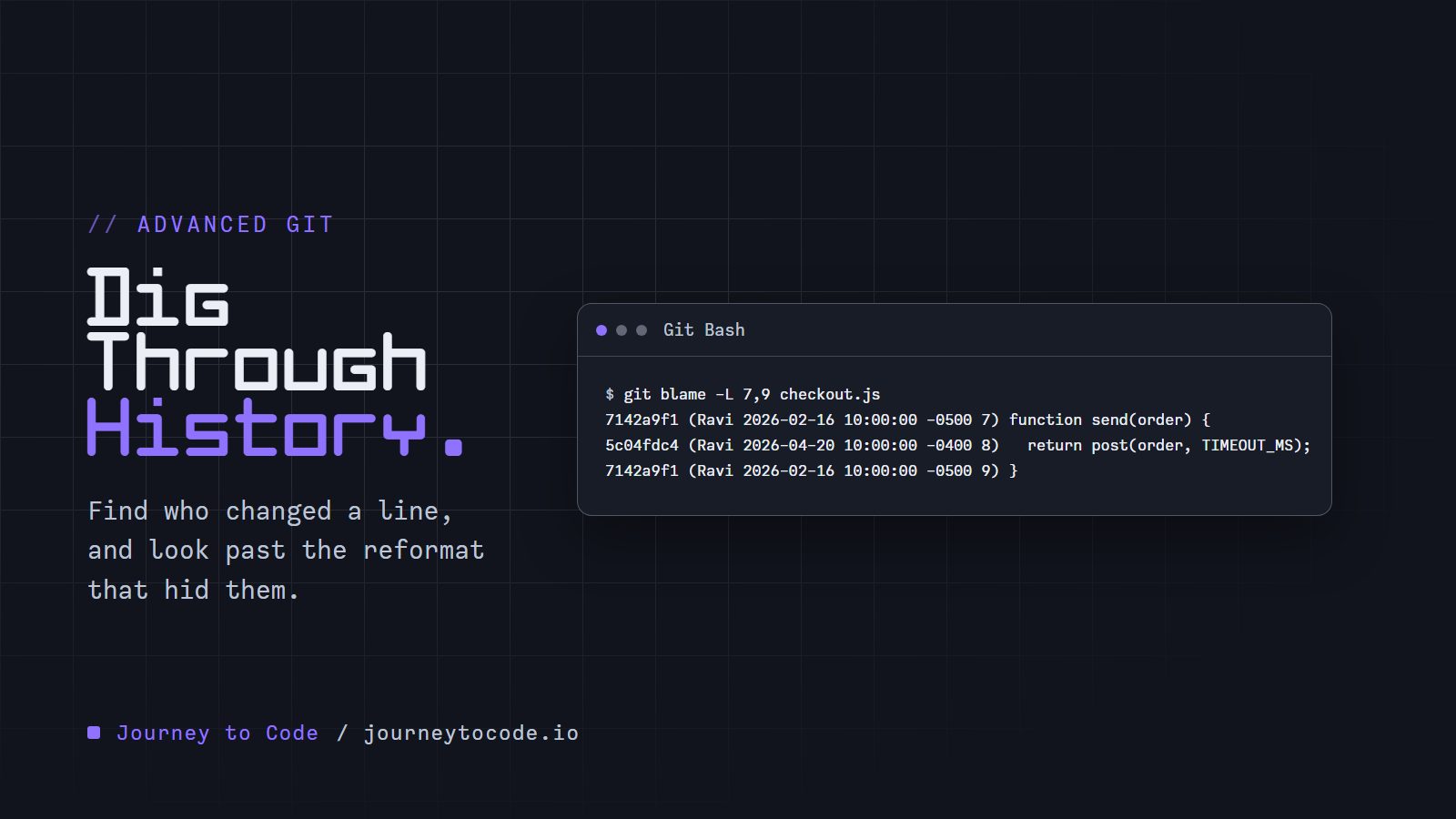
git blame prints each line of a file next to the commit that last changed it. The whole file is too much, so -L limits it to a range. Lines 7 to 9 hold send:
$ git blame -L 7,9 checkout.js
7142a9f1 (Ravi 2026-02-16 10:00:00 -0500 7) function send(order) {
5c04fdc4 (Ravi 2026-04-20 10:00:00 -0400 8)   return post(order, TIMEOUT_MS);
7142a9f1 (Ravi 2026-02-16 10:00:00 -0500 9) }
Each row has the start of the commit hash, the author, the date and the line number, then the line itself.
Line 8 belongs to 5c04fdc, the reformat. Blame names the last commit that touched the line. It does not look through whitespace or style changes unless we ask.
We can also give a function name instead of numbers:
$ git blame -L :send checkout.js
7142a9f1 (Ravi 2026-02-16 10:00:00 -0500  7) function send(order) {
5c04fdc4 (Ravi 2026-04-20 10:00:00 -0400  8)   return post(order, TIMEOUT_MS);
7142a9f1 (Ravi 2026-02-16 10:00:00 -0500  9) }
4a901098 (Ada  2026-03-02 10:00:00 -0500 10)
Git found send by looking for lines that look like the start of a function, so this works best on languages it recognizes well. It printed lines 7 to 10, which includes the blank line after the function.
Look past the reformat#
There are two ways to get to the real author.
If the commit only changed whitespace, -w tells blame to ignore whitespace when it compares lines:
$ git blame -w -L 7,9 checkout.js
7142a9f1 (Ravi 2026-02-16 10:00:00 -0500 7) function send(order) {
9dcdb28d (Ada  2026-04-06 10:00:00 -0400 8)   return post(order, TIMEOUT_MS);
7142a9f1 (Ravi 2026-02-16 10:00:00 -0500 9) }
If the commit changed more than whitespace, such as a code formatter that rewrote quotes and wrapped lines, name the commit with --ignore-rev. Blame then acts as if that commit never happened:
$ git blame --ignore-rev 5c04fdc -L 7,9 checkout.js
7142a9f1 (Ravi 2026-02-16 10:00:00 -0500 7) function send(order) {
9dcdb28d (Ada  2026-04-06 10:00:00 -0400 8)   return post(order, TIMEOUT_MS);
7142a9f1 (Ravi 2026-02-16 10:00:00 -0500 9) }
Line 8 is Ada's, from Stop retrying orders. That answers our question.
Write it down for the team#
Nobody wants to retype that. Put the commit in a file, one full hash per line, and point Git at it:
git log --format=%H --grep=Reformat > .git-blame-ignore-revs
git config blame.ignoreRevsFile .git-blame-ignore-revs
Now plain git blame -L 7,9 checkout.js gives the answer above. The file takes full hashes. We first tried the short one, 5c04fdc, and Git answered:
fatal: invalid object name: 5c04fdc
The manual says the same: "one unabbreviated object name per line." Lines beginning with # are ignored, so a comment saying what each commit was is a good habit.
Commit .git-blame-ignore-revs so everyone gets the list. The git config line is not shared by cloning, so each person runs it once.
When did this string appear, or vanish#
Blame is about lines that exist now. For a thing that is gone, we search the changes instead. -S takes a string and lists the commits that changed how many times it appears in the code:
$ git log -S RETRY_LIMIT --oneline
9dcdb28 Stop retrying orders
7142a9f Retry failed orders
The oldest line is the commit that added RETRY_LIMIT, and the newest is the one that removed it. Add -p to see the change itself. This is the removal:
$ git log -S RETRY_LIMIT --oneline -p -1
9dcdb28 Stop retrying orders
diff --git a/checkout.js b/checkout.js
index e14e8d1..08bde68 100644
--- a/checkout.js
+++ b/checkout.js
@@ -1,15 +1,11 @@
 const TIMEOUT_MS = 60000;
-const RETRY_LIMIT = 3;

 function total(items) {
     return items.reduce((sum, item) => sum + item.price, 0);
 }

 function send(order) {
-    for (let i = 0; i < RETRY_LIMIT; i++) {
-        if (post(order, TIMEOUT_MS)) return true;
-    }
-    return false;
+    return post(order, TIMEOUT_MS);
 }

 function addTax(amount) {
That is the commit we wanted all along, found from a different direction.
-S counts, -G reads#
TIMEOUT_MS went from 30000 to 60000 in bf249d9. Search for it with -S:
$ git log -S TIMEOUT_MS --oneline
7142a9f Retry failed orders
5c64e3c Add checkout total
bf249d9 is missing. That commit changed the value, but the word TIMEOUT_MS appears the same number of times before and after, so -S does not count it. -G takes a regular expression and looks at the changed lines instead:
$ git log -G "TIMEOUT_MS = [0-9]+" --oneline
bf249d9 Give slow carriers more time
5c64e3c Add checkout total
There it is. Use -S when you want the commit where something was added or removed, and -G when you want any commit that touched a line matching a pattern. To search for a specific value, search for the value: git log -S"TIMEOUT_MS = 30000" --oneline printed bf249d9 and 5c64e3c.
How did this function change#
git log -L follows a range of lines, or a function, through every commit that touched it. It prints each change:
$ git log -L :addTax:checkout.js
commit d28ffe22c9294f7a36ffc43e640fdc1ba515ffe1
Author: Ada <ada@example.com>
Date:   Mon May 4 10:00:00 2026 -0400

    Round tax

diff --git a/checkout.js b/checkout.js
--- a/checkout.js
+++ b/checkout.js
@@ -11,3 +11,3 @@
 function addTax(amount) {
-  return amount * 1.2;
+  return Math.round(amount * 1.2);
 }

commit 5c04fdc495ac4dca9de5ef4fcaf59f427dc2fd92
Author: Ravi <ravi@example.com>
Date:   Mon Apr 20 10:00:00 2026 -0400

    Reformat with 2-space indent
...
The third commit, Add tax, is the original. The middle one is the reformat again, which -L does not skip. That is the whole history of one function, in one command.
Shape the output#
The default git log is a lot of text. --format prints what we choose. These placeholders are the ones used most:
| Placeholder | Prints |
|---|---|
%h | Short hash |
%H | Full hash |
%an, %ae | Author name and email |
%ad | Author date, in the style --date sets |
%s | Subject line |
%b | Body of the message |
%d | Branch and tag names |
%n | A new line |
$ git log --format="%h %an %ad %s" --date=short
d28ffe2 Ada 2026-05-04 Round tax
5c04fdc Ravi 2026-04-20 Reformat with 2-space indent
9dcdb28 Ada 2026-04-06 Stop retrying orders
bf249d9 Ravi 2026-03-16 Give slow carriers more time
4a90109 Ada 2026-03-02 Add tax
7142a9f Ravi 2026-02-16 Retry failed orders
5c64e3c Ada 2026-02-02 Add checkout total
Filters narrow the list before it prints:
| Filter | Example | Result in our history |
|---|---|---|
--since | git log --since=2026-04-01 --oneline | d28ffe2, 5c04fdc, 9dcdb28 |
--author | git log --author=Ravi --oneline | 5c04fdc, bf249d9, 7142a9f |
--grep | git log --grep=tax -i --oneline | d28ffe2, 4a90109 |
--grep searches commit messages, and -i ignores case. For comparison, -S and -G search the changes. And git log --oneline --graph --decorate draws the branches. Ours is a straight line, so it is seven stars in a column.
Try it#
The whole hunt takes six commands.
Type these commands in order, in a practice folder:
- Blame lines 7 to 9 of checkout.js. Try
git blame -L 7,9 checkout.js. Line 8 is blamed on the reformat,5c04fdc. - Blame the same lines, ignoring the reformat commit. Try
git blame --ignore-rev 5c04fdc -L 7,9 checkout.js.git blame -w -L 7,9 checkout.jsworks too, because that commit only changed whitespace. Line 8 now belongs to Ada,9dcdb28. - Find the commits that added or removed RETRY_LIMIT. Try
git log -S RETRY_LIMIT --oneline. - Find the commit that changed the value of TIMEOUT_MS, which
-Smisses. Trygit log -G "TIMEOUT_MS = [0-9]+" --oneline. - Follow the addTax function through history. Try
git log -L :addTax:checkout.js. - Print the hash, author, date and subject of every commit. Try
git log --format="%h %an %ad %s" --date=short.
Two things worth trying: type git log -S TIMEOUT_MS --oneline at step 4 and see why it is not the answer, and ask for a hint at step 2.
Challenge: one command, one line
The retry loop ended with return false;, and Stop retrying orders removed it. Print who removed that line and on what date, as one line in the form Ada 2026-04-06. Use one git log command, and do not type a commit hash.
Expected result: exactly Ada 2026-04-06, and nothing else.
Answer
$ git log -S"return false;" -1 --format="%an %ad" --date=short
Ada 2026-04-06
Without -1, the same command also prints Ravi's Retry failed orders, the commit that added the line.
What we learned#
git blame -L 7,9 fileshows who last changed those lines.-L :sendtakes a function name.- Blame names the last commit that touched a line, so a reformat hides the author.
git blame -wignores whitespace changes.--ignore-rev <commit>ignores a whole commit..git-blame-ignore-revslists full hashes, andgit config blame.ignoreRevsFilepoints Git at it. The config is per clone.git log -S textfinds commits that change how many times the text appears.-G regexfinds commits whose changed lines match.git log -L :function:fileshows every change to a function.--format,--date,--since,--authorand--grepshape whatgit logprints.
Blame, the pickaxe and -L tell us which commit to look at. The commit message and the diff tell us why, and git show 9dcdb28 prints both.
Comments require JavaScript.