
Native Browser APIs for Dynamic User Interfaces
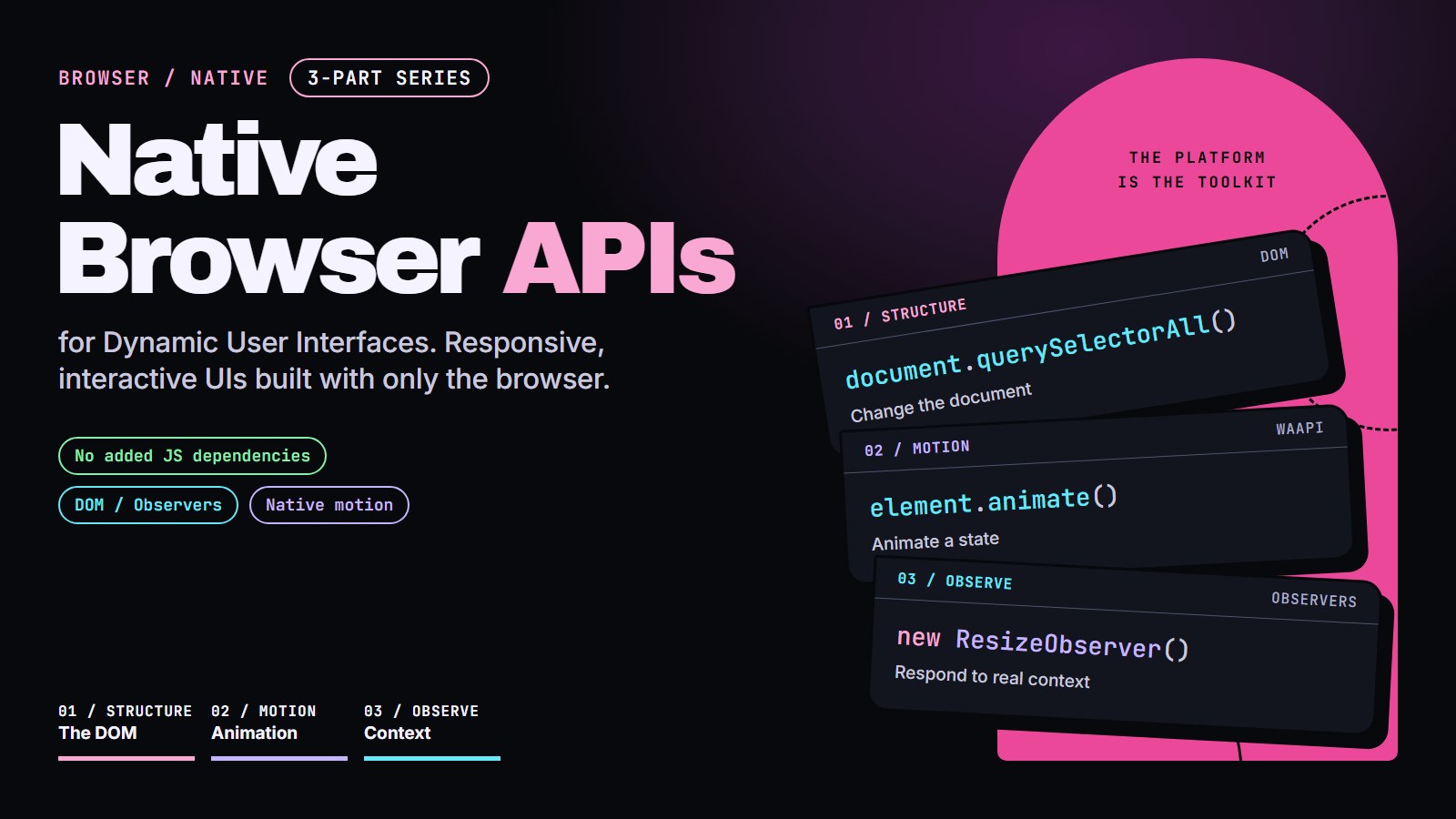
BROWSER / NATIVE Unbundled & Kinetic
Build real interface behavior (lists, motion, components that adapt, keyboard support) with only what the browser already ships.
This series is for you if you know HTML, CSS and basic JavaScript (variables, functions, querySelector, addEventListener) and want to build interactive pages without installing a framework.
- No added JS dependencies
- Runnable examples
- Quiz or challenge in each lesson
TRY IT FIRST / REAL APIS, SMALL EXAMPLES
Built into your browser.
Ready to work.
Three small experiments, no framework runtime. Support labels reflect this browser; unsupported features explain their limits instead of pretending to run. Animation and scroll observation are taught in Browser Animation APIs, and size observation in Beyond Media Queries. The popover and the layout transition are previews: they show what the browser can do, not a lesson on their own.
Same element. New state.
Switch the layout with a View Transition, or pulse the card with the Web Animations API. Reduced motion keeps changes instant.
Enable JavaScript for the motion controls.
document.startViewTransition(update)
Above the stacking game.
A real auto popover leaves document stacking contexts. Open it, then dismiss with Escape, an outside click, or its Close button.
TOP LAYER / ACTIVE
No z-index contest.
This is a native popover, not a modal dialog. The browser provides light dismissal and Escape handling; the rest of the page stays interactive.
Requires the Popover API and JavaScript enhancement.
<div popover="auto">
A boundary you can inspect.
Scroll this small viewport to reveal the target. Change its width to see ResizeObserver report the target's content box. These are live readings, not performance scores.
SCROLL TO FIND THE TARGET ↓
Keep scrolling to move it out of view.
- Intersection
- Not observed
- Content box
- Not observed
Intersection is relative to this scroll box, not the whole page. Live readings are not announced on every scroll.
IntersectionObserver + ResizeObserver
JUMP IN / START FROM WHAT YOU WANT TO DO
I want to ... then read
| I want to ... | Then read |
|---|---|
| find an element, or handle clicks on many items with one listener | Modern DOM Manipulation |
| add thousands of items, or build cards from a template, without freezing the page | Modern DOM Manipulation |
| run code when something else changes my page | Modern DOM Manipulation (MutationObserver) |
| fade, slide, pause or reverse something from code | Browser Animation APIs |
| reveal content when it scrolls into view | Browser Animation APIs (IntersectionObserver) |
| make a component adapt to the space it is placed in | Beyond Media Queries |
| follow dark mode and reduced motion, live | Beyond Media Queries (matchMedia) |
| make drag and touch work the same on mouse, finger and pen | Beyond Media Queries (Pointer Events) |
| make a panel usable with only a keyboard | Beyond Media Queries (focus) |
The lessons
- Modern DOM ManipulationFind elements with closest(), add thousands of items with a DocumentFragment, clone a template, and watch changes with MutationObserver.
- Browser Animation APIsFade or slide an element with element.animate(), reveal it on scroll, and respect reduced-motion settings, with no animation library.
- Beyond Media QueriesBuild a card that adapts to its container, the reader's motion and color settings, and mouse, touch or keyboard input.