
Commit to Success: Mastering Git From Init to Push
/ Git field notes
cat README.md
Learn Git from your first commit and how to undo it, through branches, remotes, stash and releases. Every lesson has a practice terminal where you type the commands yourself, and a check at the end. You need a terminal and a text editor, and nothing else.
Branch, work in parallel, merge. Read left → right.
Understand the graph, not just the commands.
Two branches.
One shared history.
Step through a small, conflict-free example. See which commit each branch names, where HEAD points, and why a merge can have two parents. This is a visual walkthrough, not a terminal: no commands execute and no repository is changed.
COMMAND / SHOWN, NOT EXECUTED
git init -b main
Create the first commit
- HEAD
- main
- feature/docs
Now break it yourself
The walkthrough above is a script. This one is yours: make commits, branch, merge, and cause a conflict on purpose. It runs in your browser against a made-up repository, so nothing can go wrong. The lesson on branching and merging explains what you will see.
The lessons themselves have a different kind of practice. Each one ends with a terminal where you type the real commands. There is no editor and no answer key. A wrong command does not advance, and hint gives a nudge when you ask. Each lesson also has a few questions to check what stuck.
The interactive sandbox needs JavaScript. Without it, the walkthrough above and the lessons cover the same ground: commits, branches, merges, and conflicts.
Inspect an example session and diff
$ git switch -c feature/docs
$ git diff
$ git add README.md
$ git commit -m "Clarify setup"@@ -1,2 +1,2 @@
# Getting started
-Follow the old setup guide.
+Follow the updated setup guide.git help --by-goal
New to Git? Start at the first lesson. Already commit every day? Find your goal below.
| I want to… | Then read |
|---|---|
| Install Git, read a project's history, and see what I changed | Git Out of Your Comfort Zone |
| Set my name, email, and editor so my commits are mine | Git Ready to Branch Out (setup) |
| Make my first commits and write a good message | Getting Started with Git |
| Undo something I just did, or get back a commit I lost | Undo Mistakes Safely |
Work on a feature without breaking main, merge it, fix a conflict | Branching and Merging Strategies |
| Push my work, get a teammate's changes, understand a rejected push | Remote Repositories and Collaboration |
| Park half-done work, fix my last commit, or copy a commit to another branch | Advanced Git Features |
| Pick a team workflow, write commit messages tools can read, tag a release | Git Best Practices and Workflows |
| Rebase, bisect, search history, or write a hook | The Advanced Git series |
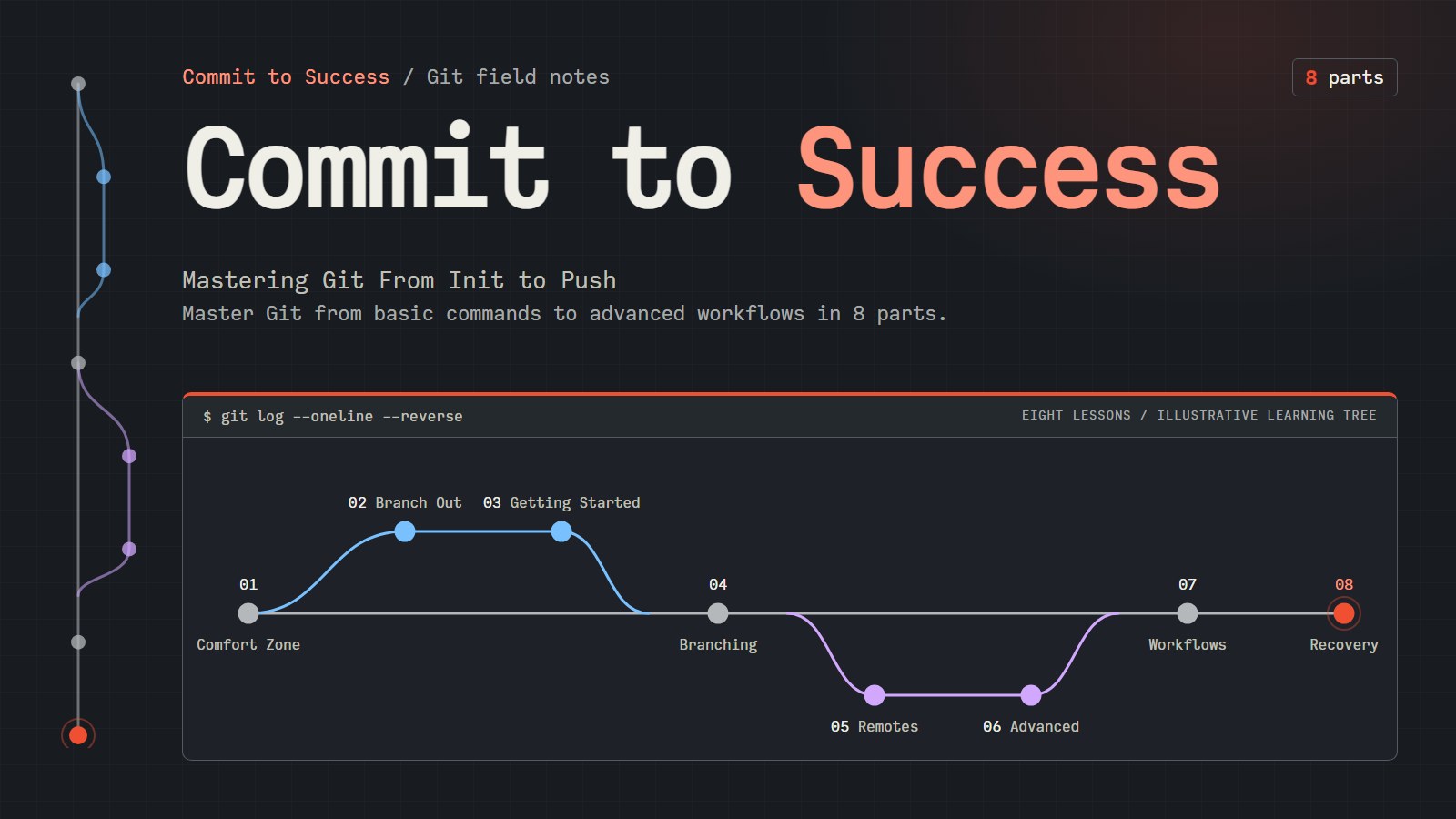
git log --oneline --reverse
The lessons, in reading order. Follow the colored branch paths from top to bottom. This illustrative learning tree is not repository history.
- Git Out of Your Comfort ZoneInstall Git, read a project's history with log, see your edits with diff, and create, rename and delete branches.
- Git Ready to Branch OutTell Git your name and email, pick an editor other than Vim for commit messages, and check that the settings stuck.
- Getting Started with GitTurn a folder into a Git repository, save your first two commits, and check what the next one will contain before you take it.
- Undo Mistakes SafelyThrow away edits, fix the last commit, undo a commit with revert, and get a lost commit back with reflog. Committed work is almost always recoverable.
- Branching and Merging StrategiesCreate and switch branches, merge them back, resolve a merge conflict, and learn what rebasing is and when to avoid it.
- Remote Repositories and CollaborationConnect a project to a remote such as GitHub, push your commits, pull other people's, and know what to do about a rejected push.
- Advanced Git FeaturesStash unfinished work, amend and squash your own recent commits, and cherry-pick a single commit onto another branch.
- Git Best Practices and WorkflowsCompare Git workflows, write commit messages that tools can read, and tag a release, then pick a workflow for a solo app or a team.